Network view
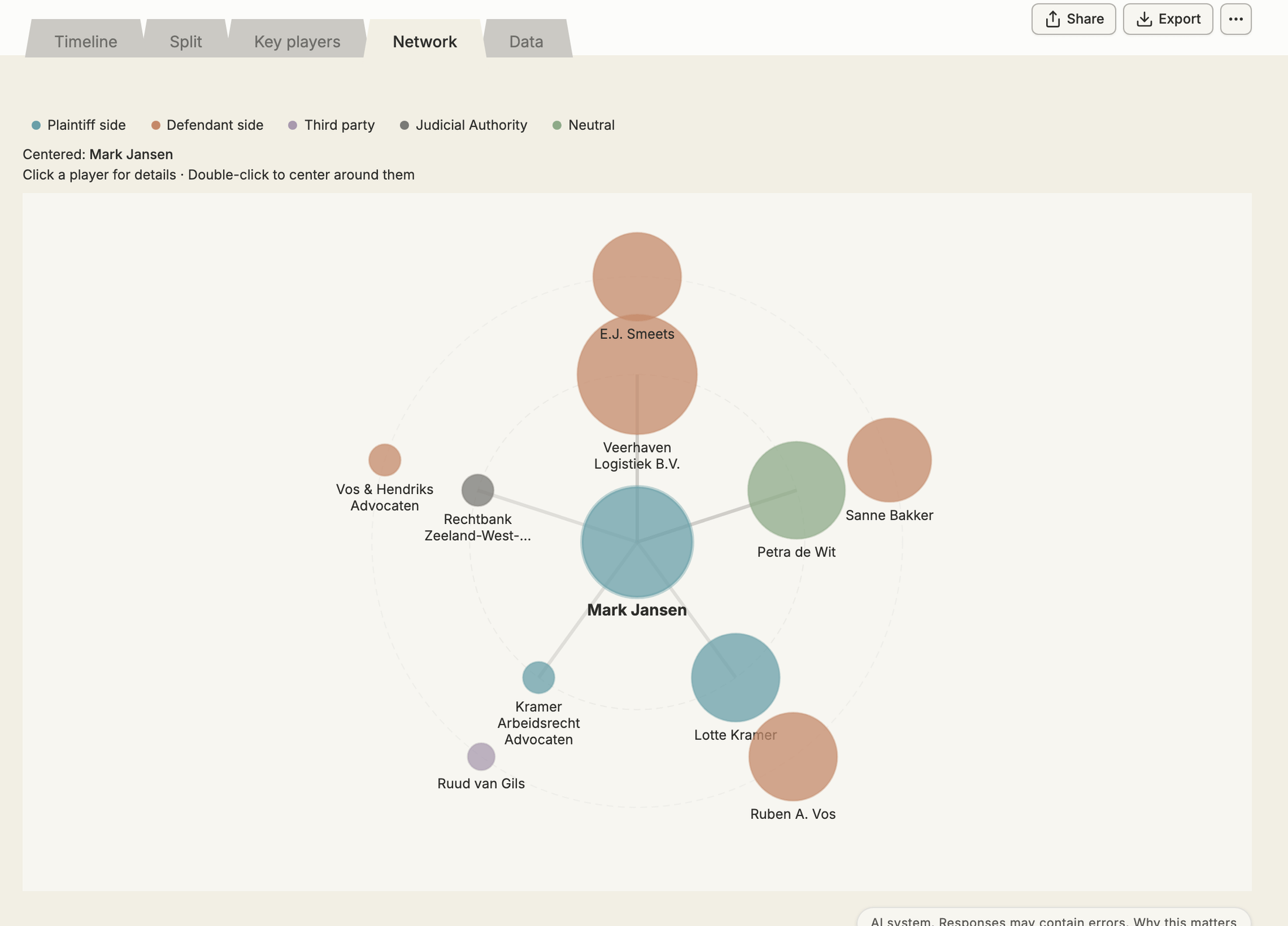
The Network tab shows the players and their relationships. One player sits in the centre, the players connected to them on the inner ring and the rest further out.
Read the network
Section titled “Read the network”- The colour of a player shows their side; the legend explains the colours. Click a side in the legend to show or hide it.
- Larger circles are players with more connections or more importance.
- Hover over a player for their type, side and role, and over a line for the relationship.
- Zoom with scroll or pinch; drag the background to move around.
Explore
Section titled “Explore”- Click a player to open their details: their Events and Connections.
- Double-click a player to put them in the centre.
From an event, click a player to jump to the network with that player selected.