Save a judgment to a folder
Save a judgment to a folder from its case page to keep the case law for a matter in one place. Folders in Feitlijn are your Mino workspaces, so the judgments also appear next to your own documents in the Mino dashboard. You need to be signed in; saving is included in the free plan.
Save a judgment to a folder
Section titled “Save a judgment to a folder”-
Open the judgment in Feitlijn. At the top right of the case, next to the ECLI, click the folder icon. Its tooltip reads Opslaan in map (save to folder).
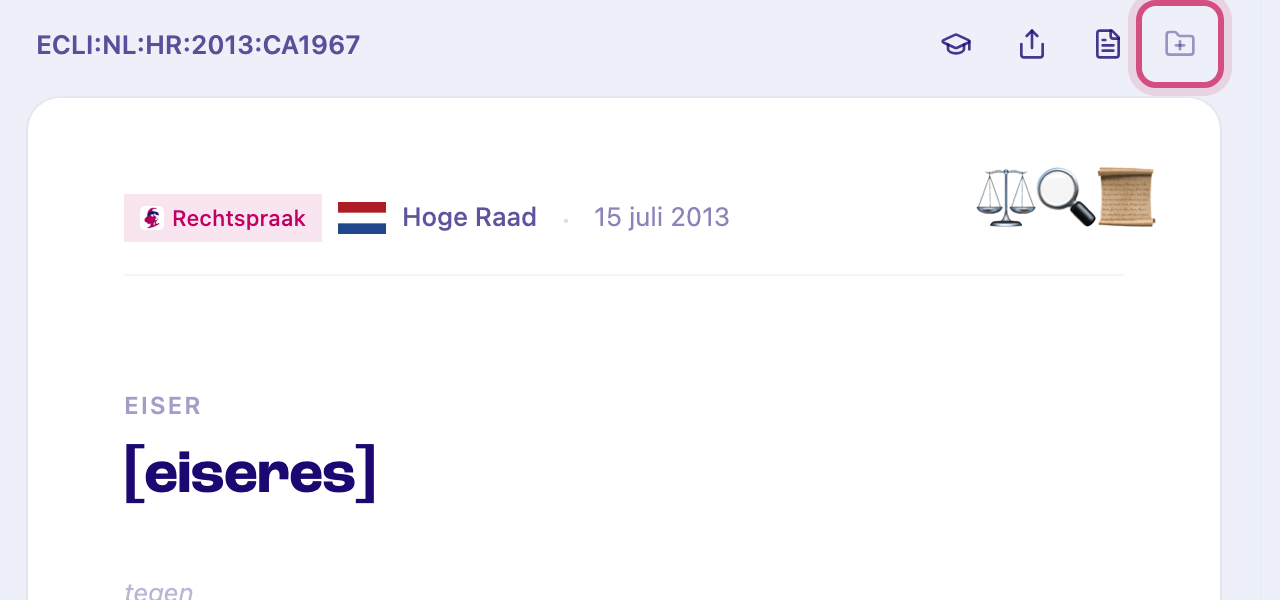
-
Click the folder you want to save the judgment to.
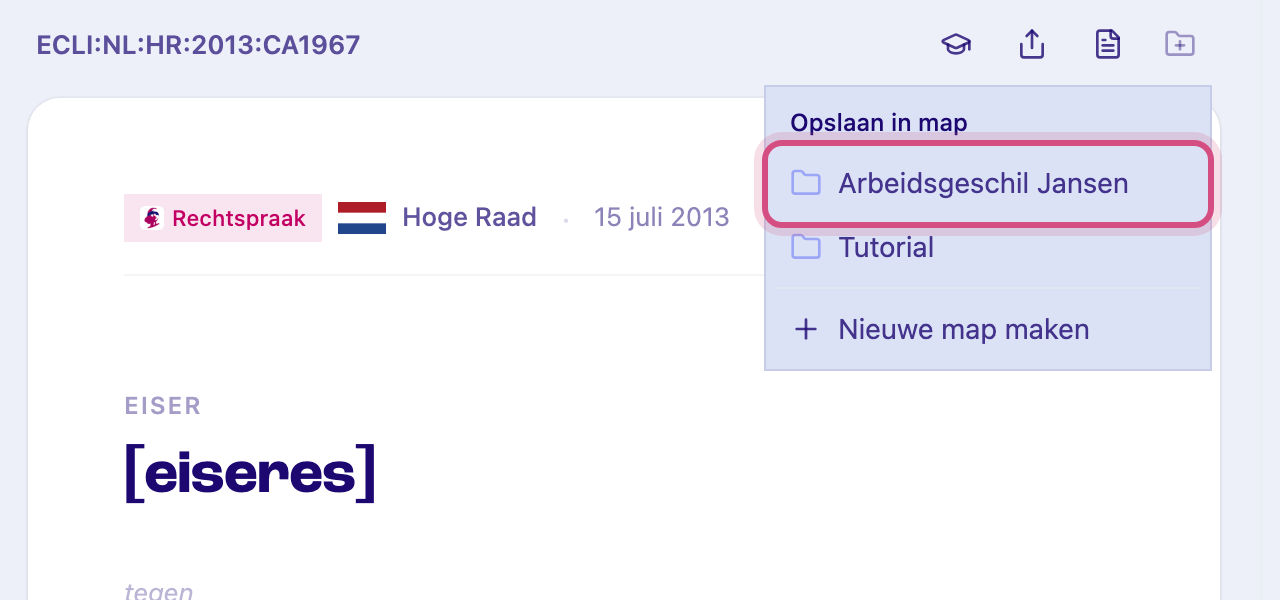
A folder that already holds this judgment is greyed out with a check mark. -
The judgment is now in the folder. To see it, click the folder under Workspaces in the left sidebar.
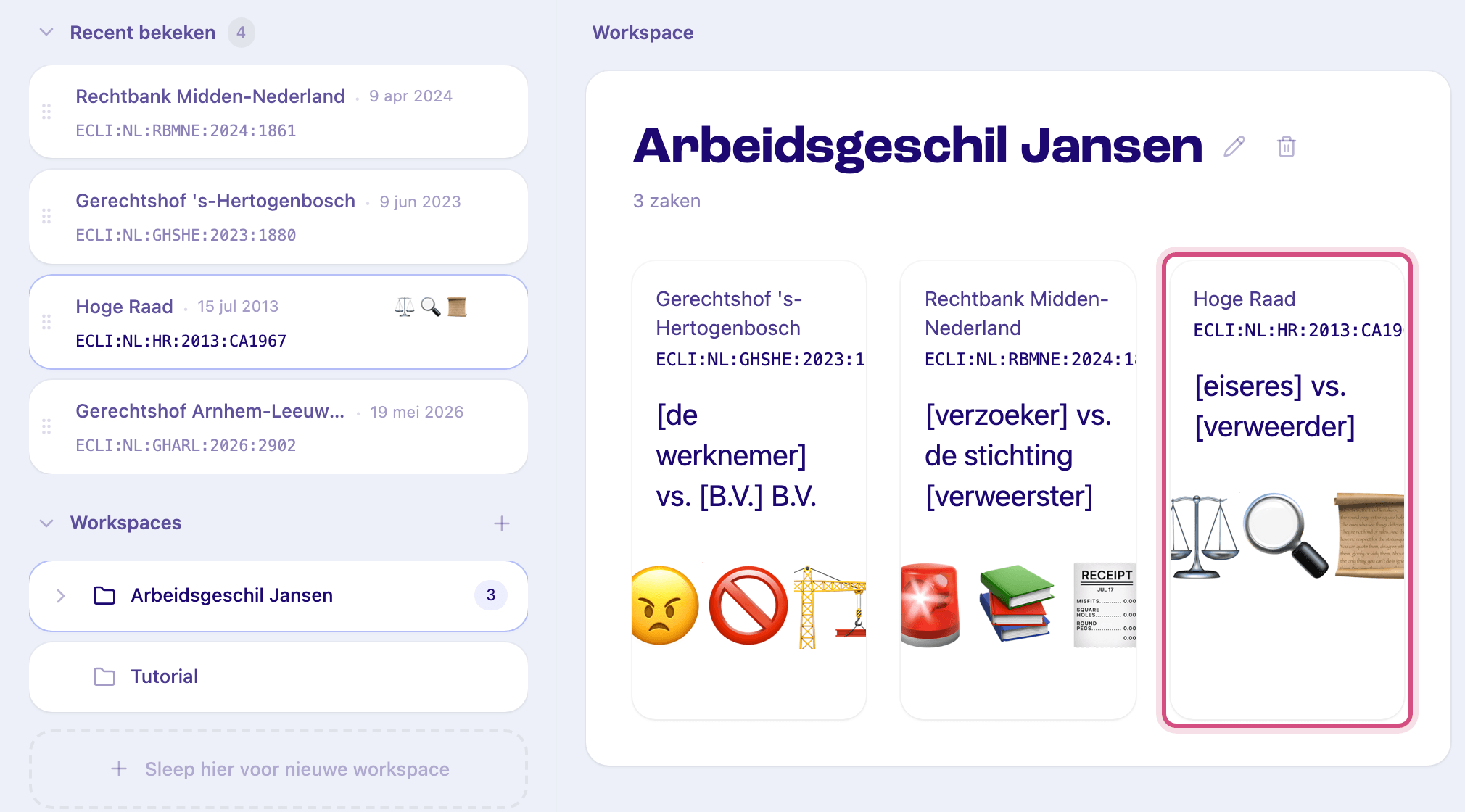
Save to a new folder
Section titled “Save to a new folder”In the menu from step 2, click Nieuwe map maken (create new folder), type a name and press Enter. Feitlijn creates the folder and saves the judgment in it straight away.
Remove a judgment from a folder
Section titled “Remove a judgment from a folder”Open the folder, hover over the judgment’s card and click the cross in its top right corner (Verwijder uit map). The judgment itself stays available in Feitlijn.
Related
Section titled “Related”- Organise case law in folders: creating folders, chat across a folder, bookmarks
- Case Summaries: what the case page shows
- Chat: ask questions about a judgment