Get started with Garry
Garry works on the pleadings in a Mino matter. Choose which brief is yours and which is theirs, and let Garry analyse them.
Open a matter
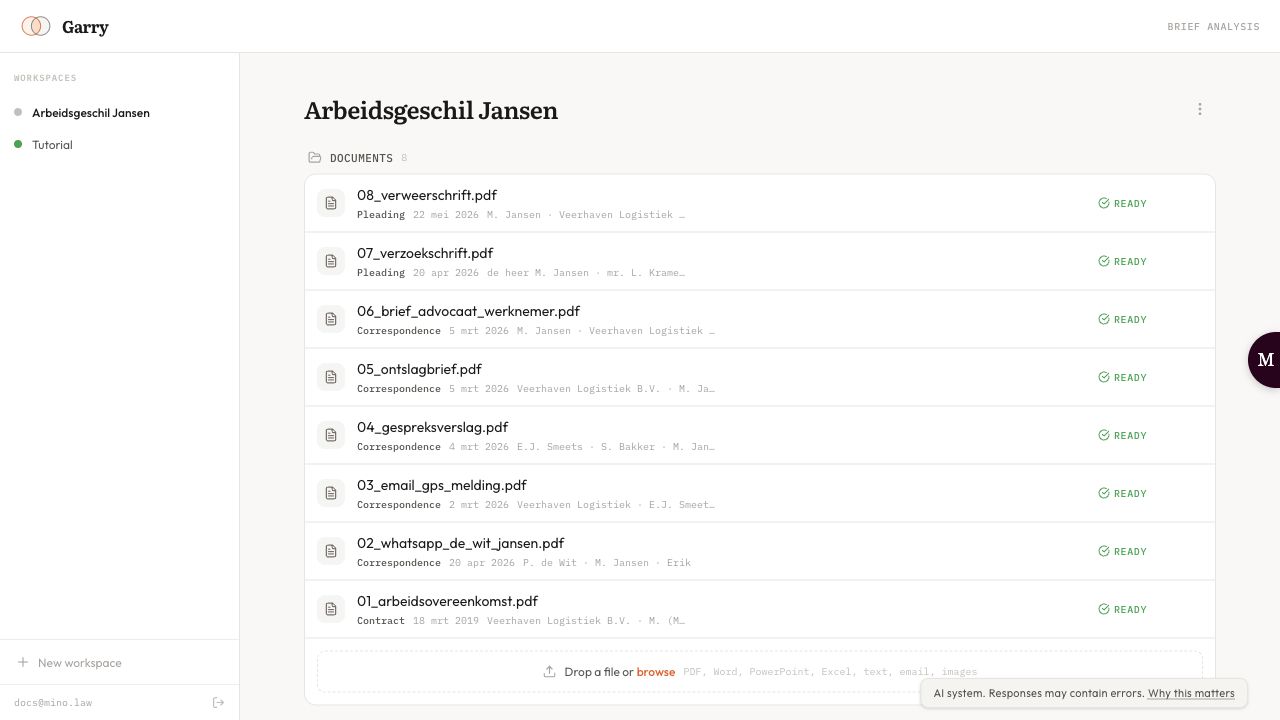
Section titled “Open a matter”Sign in to Garry with your Mino account. Your matters are listed under Workspaces in the sidebar; click one to open it, or click New workspace to create one. A workspace in Garry is a Mino matter, so its documents are the same as in the dashboard and the other agents.
Add the pleadings
Section titled “Add the pleadings”Under Documents, drop a file on the upload area or browse for it. Use PDF, Word (.docx, .doc), text or Excel files. Documents you’ve already added to the matter in Mino appear here too. Wait until a document shows Ready.
Assign finalised pleadings only, such as the dagvaarding, conclusie van antwoord, repliek, dupliek or pleitnota. Correspondence, evidence and contracts belong in those briefs as exhibits.
Choose what to analyse
Section titled “Choose what to analyse”On the matter page:
- Analyze a single brief: analyse Your brief or Their brief on its own. Click Analyze next to the one you want, select its documents and click Analyze my brief or Analyze their brief.
- Compare both briefs: if the documents have not been assigned yet, click Assign documents. Drag each pleading from Unassigned to Your Side or Their Side, then click Start comparison.
You can click Save setup to come back to it later. The language of the analysis follows the documents; choose NL or EN to override it.
While Garry works
Section titled “While Garry works”Garry reads each brief in steps: structure, reasoning, argument types and evidence. After each step it pauses so you can check the result. Click Continue to go on, or type a correction and click Send correction. Back returns to the previous step. See Argument maps.
The comparison of both sides, the gap analysis and the hearing questions then run through without stopping. Stop after this step pauses the analysis; you can resume it from the matter page.