Chat about a judgment
Ask questions about a judgment in plain language and get an answer based on that judgment’s text and analysis. Chat is part of Mino Pro; see pricing.
Ask about a judgment
Section titled “Ask about a judgment”-
Open the judgment. The Chat panel is on the right of the case page. The first time you open a judgment, chat shows Voorbereiden… for a moment while it reads the judgment.
-
Click one of the suggested questions, or type your own under Stel een vraag…, for example “What was the court’s reasoning on the liability claim?”
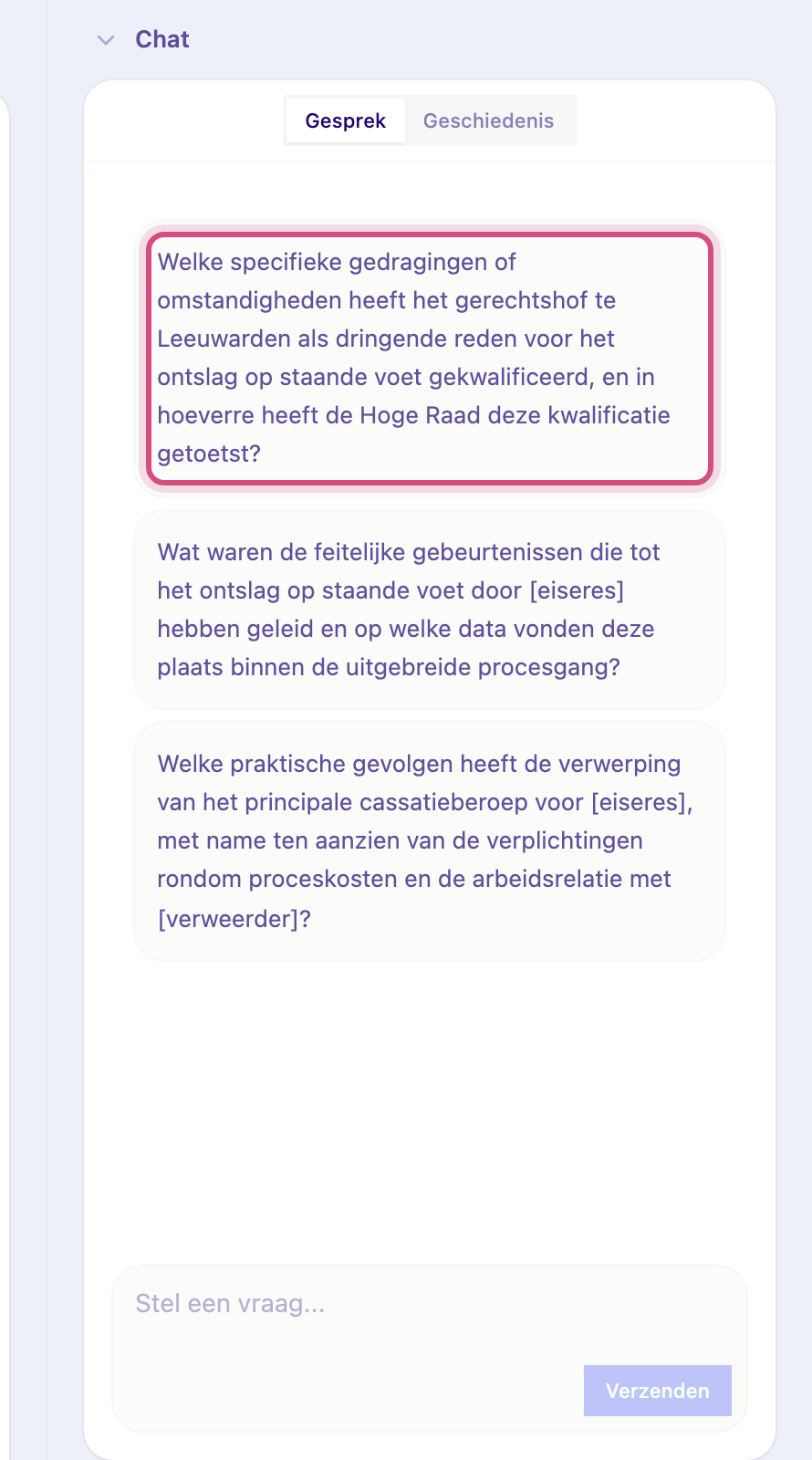
-
Press Enter to send (Shift Enter for a new line).
Under each answer, numbered chips show what it is based on: the judgment, the analysis, the timeline or a blog. Click a blog chip to open the article. Check answers you rely on against the original judgment (Bekijk originele uitspraak at the top of the case page).
Ask about one part of the analysis
Section titled “Ask about one part of the analysis”Hover over a card in the analysis, such as a step in the Juridische analyse, and click its chat icon. Your next question is then about that part; the panel shows which part you’re asking about.
Earlier conversations
Section titled “Earlier conversations”Switch to Geschiedenis in the chat panel to reopen a conversation about this judgment, and back to Gesprek to continue. Nieuw gesprek starts a fresh one.
Ask about a folder
Section titled “Ask about a folder”On a folder page, the Chat panel answers questions across all cases in the folder, for example “What do these cases have in common?” or “How does the burden of proof differ across these rulings?”. See Organise case law in folders.
Without Pro
Section titled “Without Pro”Without Pro you see the suggested questions greyed out, with Upgrade naar Pro om te chatten (or Log in om te chatten when you’re not signed in). Click it to see the options.