Start a deal and draft a proposal
A deal is one prospective client and one piece of work. Gordon talks it through with you and drafts what you need at that stage, such as a reply to the lead or the fee proposal.
Start a deal
Section titled “Start a deal”-
On Gordon’s home page, click New deal.
-
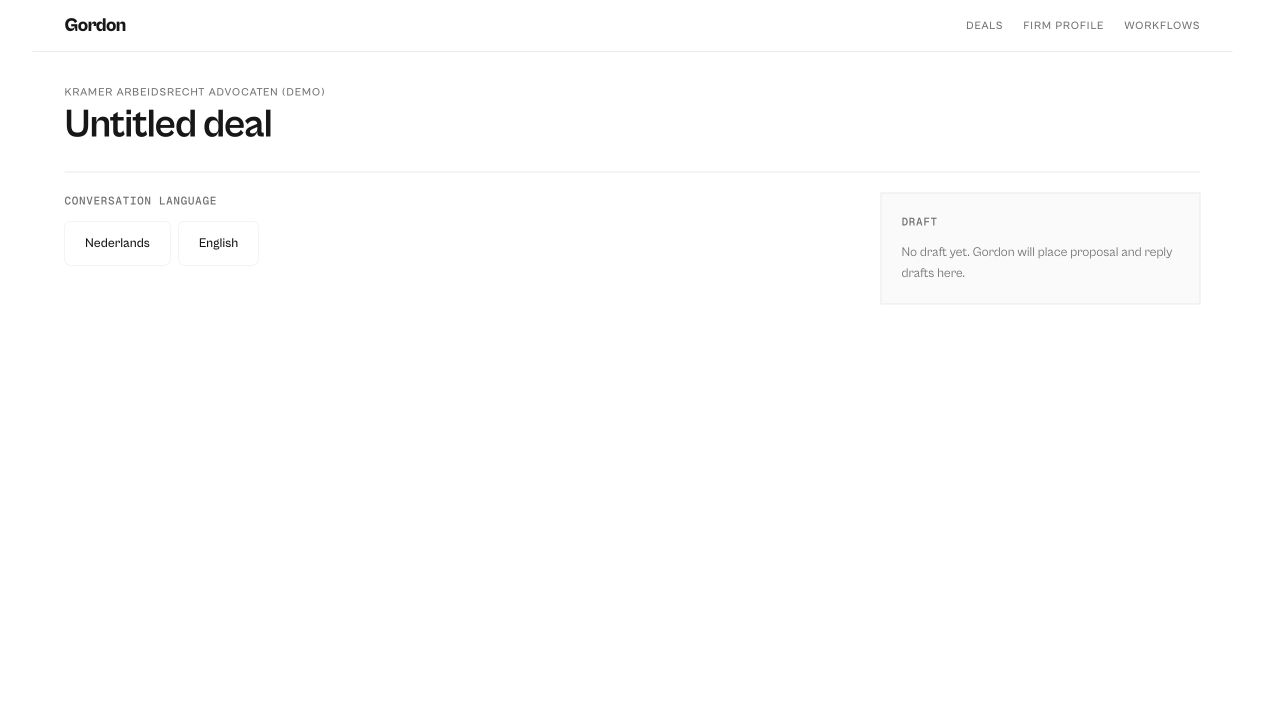
Choose the language for this deal: Nederlands or English. Gordon talks and drafts in that language. You can’t change it after the first message.
-
Pick where you are, or tell Gordon in your own words:
- Just made contact: you’ve had a first message or call.
- Drafting the offer: you need a proposal.
- They’ve gone quiet: no reply to your proposal.
- Pushing on price: the client wants a lower fee.
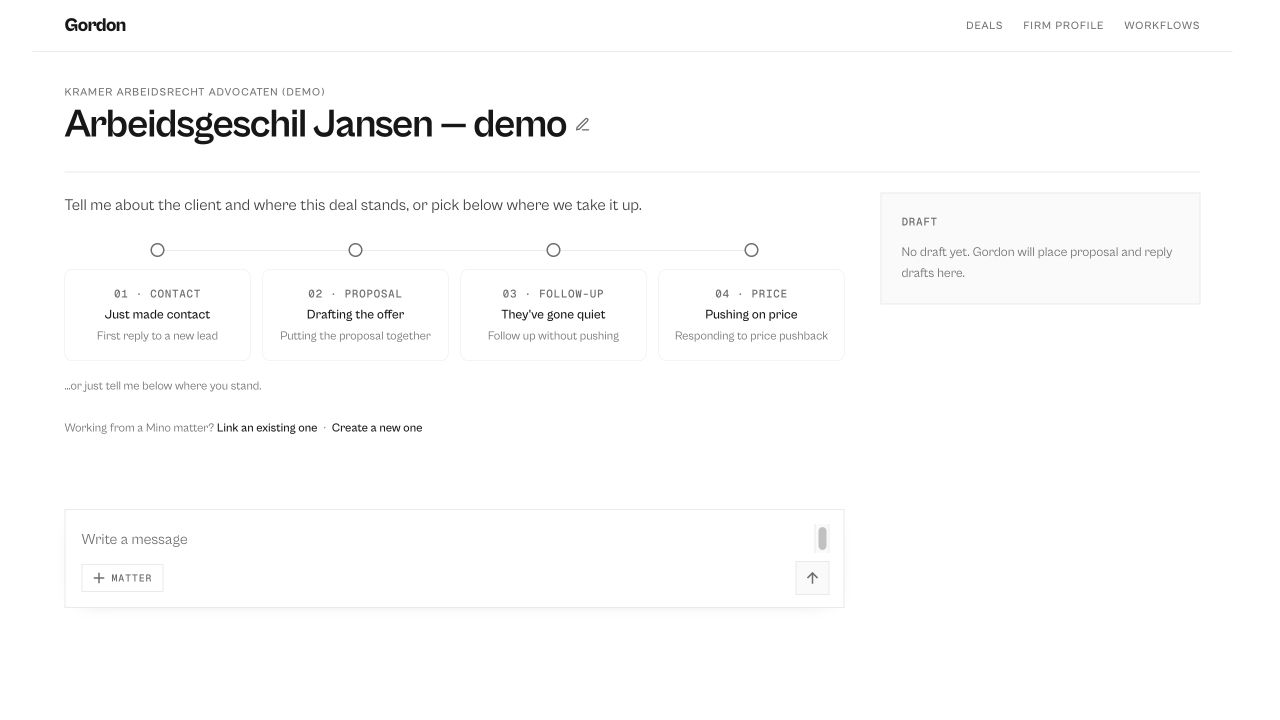
Gordon names the deal after your first message. Click the name to change it.
Answer Gordon’s questions
Section titled “Answer Gordon’s questions”Type in Write a message and press Enter (Shift Enter for a new line). Gordon asks one question at a time, often with buttons to pick an answer. Before he drafts a proposal he always asks how you want to price the work and who will do it.
The sales playbook panel on the right shows which parts of his sales approach Gordon is drawing on.
Finish and send the proposal
Section titled “Finish and send the proposal”When Gordon has what he needs, the Draft panel on the right shows the proposal, with the work split into phases.
- Click a phase’s price to change it, and press Enter.
- To change the text, ask Gordon in the chat, for example “make the introduction shorter”.
- Click copy to copy the proposal, or hover over the subject line and click subject to copy just the subject.
- Paste it into your own email and attach your firm’s terms and conditions.
Your deals
Section titled “Your deals”Your deals are listed on Gordon’s home page; click one to pick it up again. remove moves a deal to the archive; your Mino matter and documents are not touched. Open Archive → to restore a deal or delete it for good.