Add workflows to Gordon
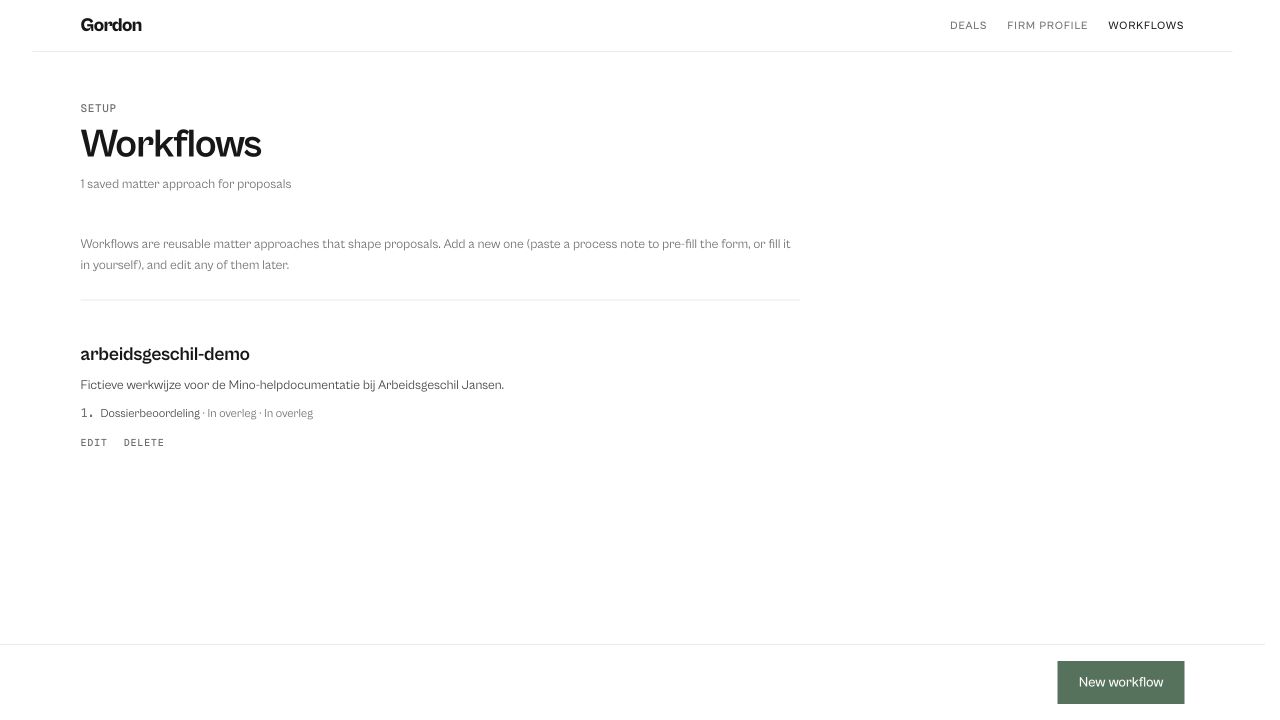
A workflow is your firm’s standard approach to a type of matter: the phases, what you deliver in each, how long it takes and what it costs. Gordon uses it to make his proposals match how you actually work.
Derive a workflow from a memo
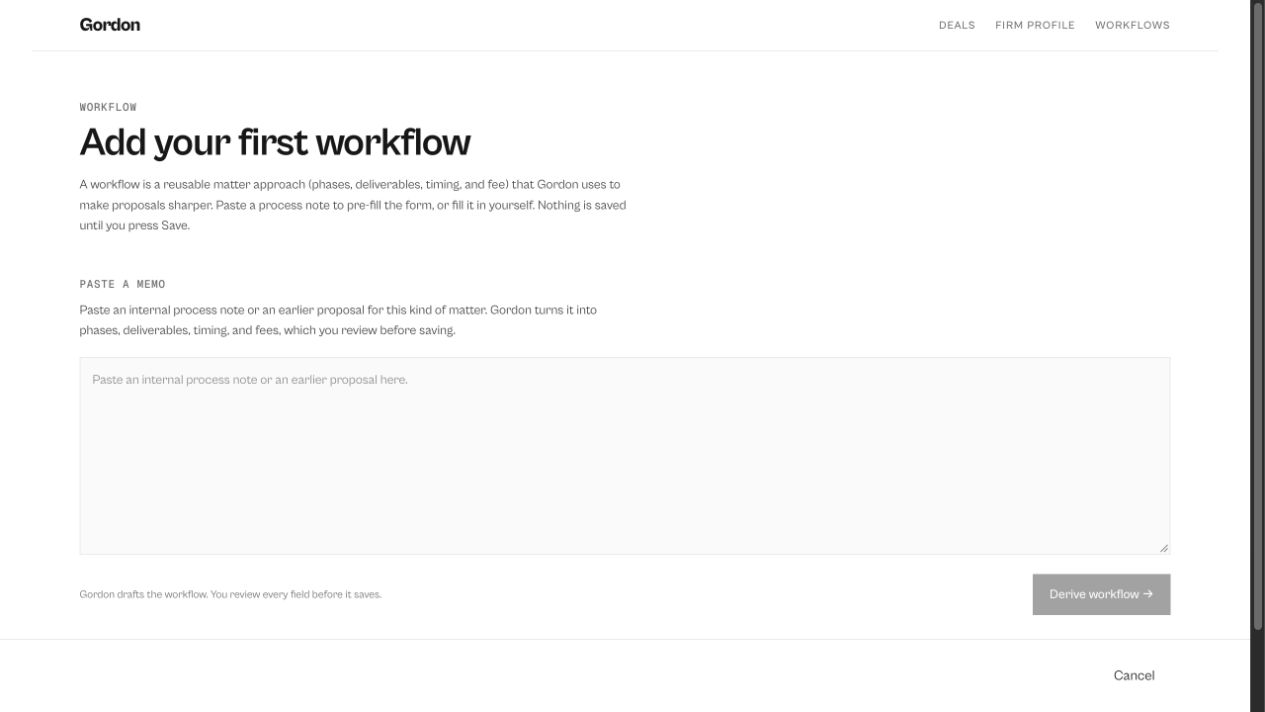
Section titled “Derive a workflow from a memo”- Click workflows in the top bar, then New workflow.
- Paste an internal process note or an earlier proposal for this type of matter.
- Click Derive workflow →. Gordon fills in the matter type and phases from your text.
- Check the result and click Save workflow.
Rather fill it in yourself? Click I’d rather fill in the workflow myself.
What a workflow contains
Section titled “What a workflow contains”- Matter: the type of matter, the lead lawyer and a short description.
- Phases: per phase its name, the deliverables (one per line), the typical duration and the typical fee. Click Add phase for each phase.
Edit or delete a workflow
Section titled “Edit or delete a workflow”Under workflows, click edit or delete next to the workflow.