Correct the contract details in GEO
If GEO read a country or role wrong, correct it and run the analysis again.
- On the findings page, click Correct contract details.
- For each connection, check the Country and the Role in this agreement. Open Supporting passages to choose the clauses it rests on.
- Click Add country connection for a country GEO missed, or Remove connection for one that doesn’t belong.
- Under Why are you changing these details?, give a short reason.
- Click Save and rerun analysis.
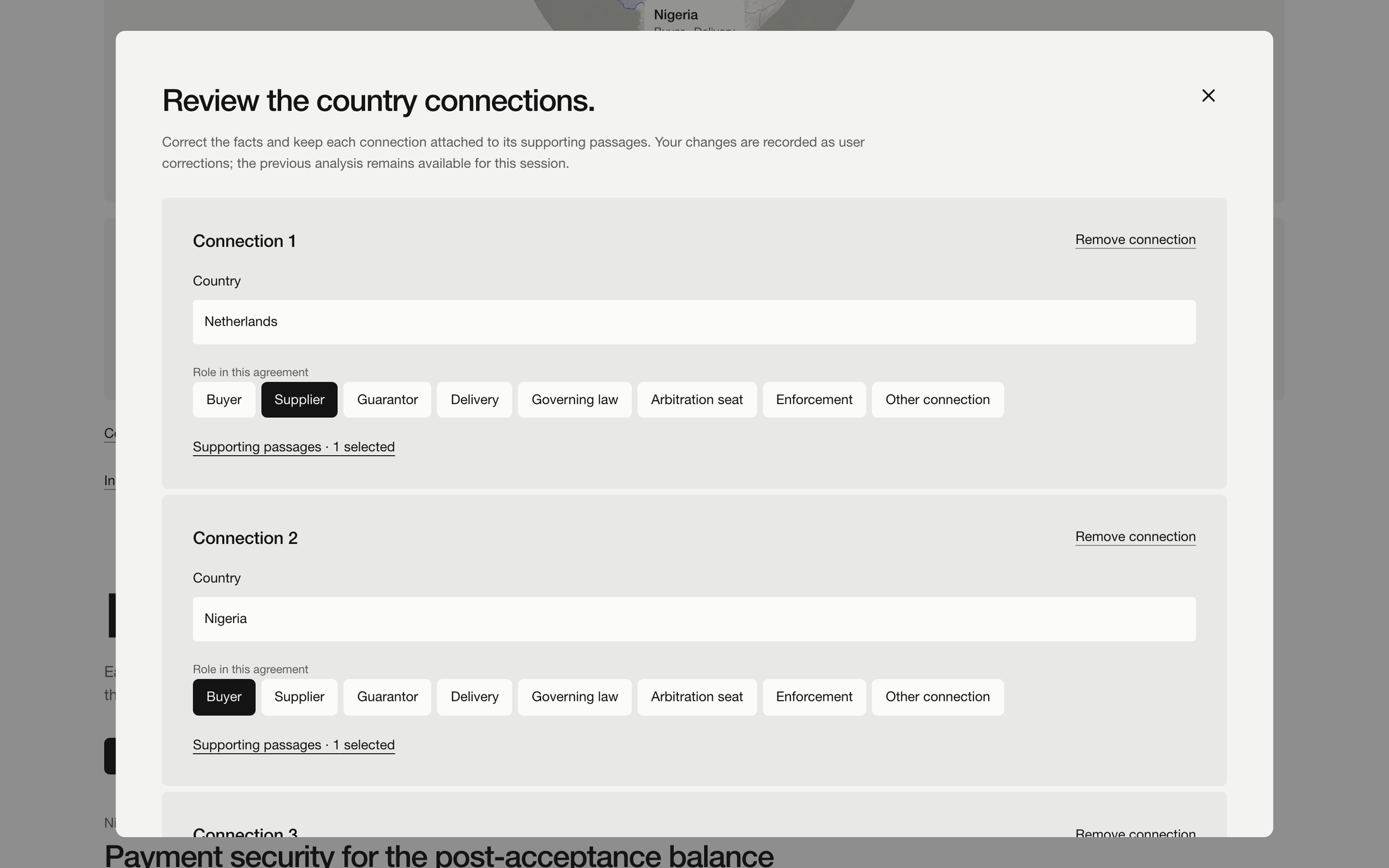
GEO checks the countries again and redoes the analysis. The result is marked as a user correction with a revision number, and View previous analysis shows what it was before.
On the sample, the button is Save sample revision: GEO keeps the saved findings that still apply, without running a model.