Read a case summary
Every judgment in Feitlijn opens as a case page: a structured analysis you can scan in a minute, with the original text one click away. The analysis is generated by AI from the judgment; check anything you rely on against the original.
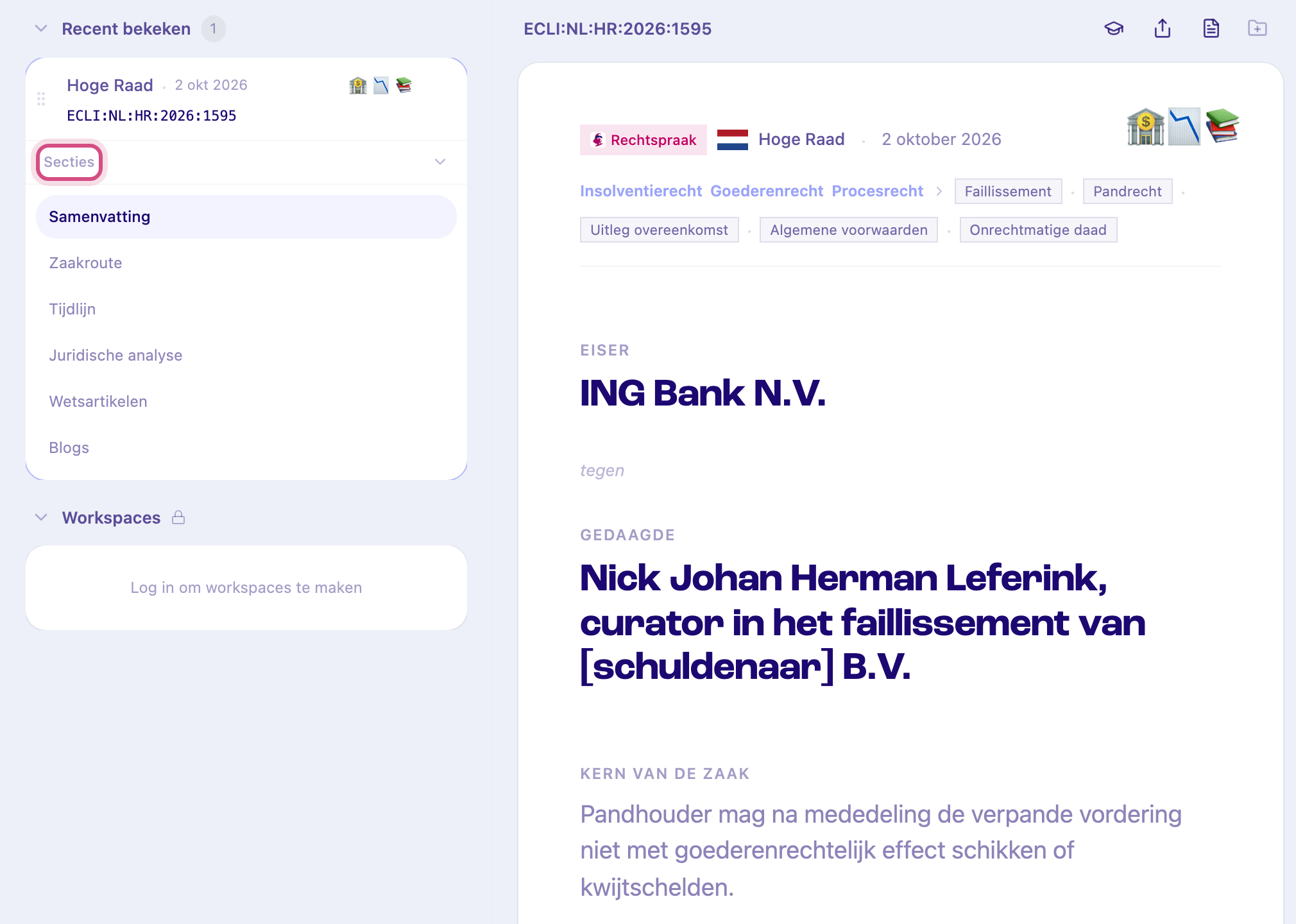
The top of the page
Section titled “The top of the page”- The court and the date of the ruling, with the source (for example Rechtspraak).
- The parties, in large type: claimant against defendant. Courts anonymise private individuals, so you’ll often see placeholders such as [eiseres].
- Kern van de zaak: the core of the case in one or two sentences.
- A row of emojis that sum up the case at a glance. They also appear on case cards in folders and collections.
- The ECLI at the top left. Click it to copy it (Kopieer ECLI).
Sections
Section titled “Sections”Jump between sections with Secties in the left sidebar. Which sections a judgment has depends on the type of case and on what Feitlijn found in it. For a Dutch judgment:
-
Samenvatting: the outcome, with the position of each party.
-
Zaakroute: the route of the case through the courts. Click an earlier or later ruling to open it.
-
Tijdlijn: the relevant events and procedural steps, with dates. Sort them Oudste eerst or Nieuwste eerst.
-
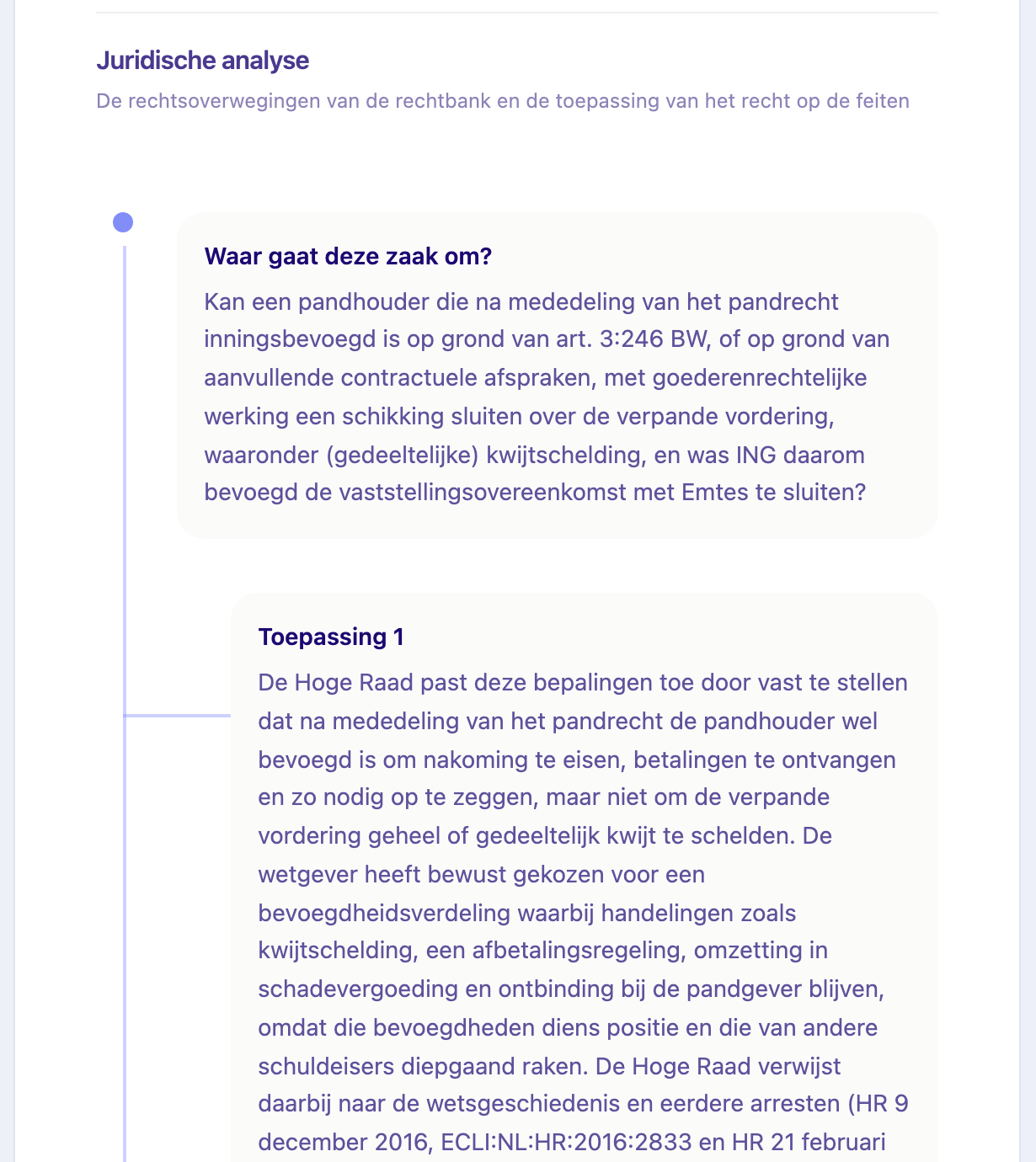
Juridische analyse: the legal reasoning in three parts:
- Waar gaat deze zaak om?: the legal question.
- Toepassing: how the court applied the law, one card per step, with the paragraphs (rechtsoverwegingen) it is based on.
- Uitkomst van de zaak: the outcome.
-
Wetsartikelen: the statutory provisions the judgment cites, with their text. Where the law has changed since, you can switch between the version the court applied and the current one.
-
Expert commentaar: notes on the case by legal experts, with their name and organisation. Only on selected judgments.
-
Blogs: law firm articles that discuss the judgment. Click one to read it on the firm’s site.
Other sources have their own sections:
- An Advocate General’s opinion (conclusie, ECLI:NL:PHR) shows the Cassatiemiddelen (grounds of appeal) and the Bronvermeldingen: the case law, literature and legislation the AG cites. Click an ECLI there to open that ruling.
- A judgment of the EU Court of Justice shows the Preliminary Questions referred to the Court.
Tools at the top right
Section titled “Tools at the top right”- Kopieer bronvermelding: copies a citation such as “HR 2 oktober 2026, ECLI:NL:HR:2026:1595”, ready to paste into a memo or brief.
- Deel deze analyse: copy the link, or share it by email or on LinkedIn.
- Bekijk originele uitspraak: opens the full text of the judgment beside the analysis. For EU judgments it opens EUR-Lex.
- Opslaan in map: save the judgment to a folder. See Save a judgment to a folder.
Related
Section titled “Related”- Chat: ask questions about the judgment
- Search case law